How to access your campaign website
Getting access to edit your Practice Campaign site
Once we have set up your practice campaign website, you need access to edit it and manage the campaign. Here is how it works.
Step 1
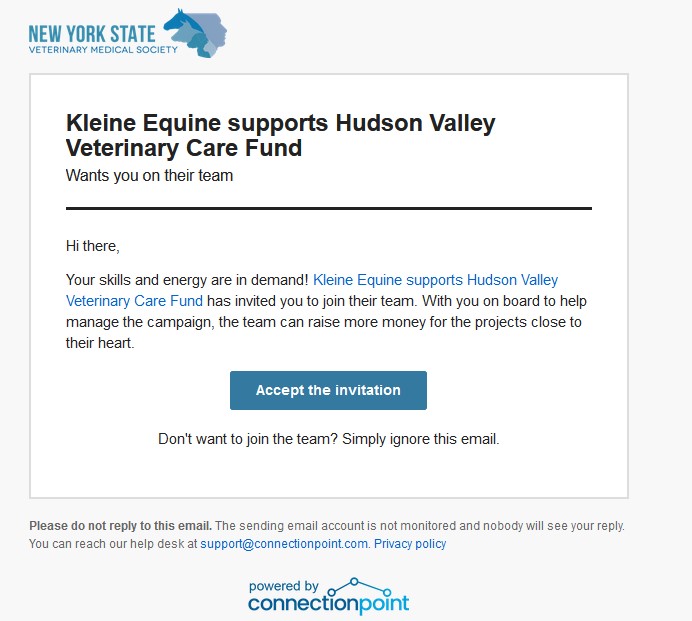
Look for an email
Look for an invitation email
The email will come from:
PetFundr notifications@petfunder.com
With a title like:
“You’ve been invited to help with Your Practice supports Your Region Veterinary Care Fund
Once you open the email, click to accept the invitation.
Step 2
Click to Accept
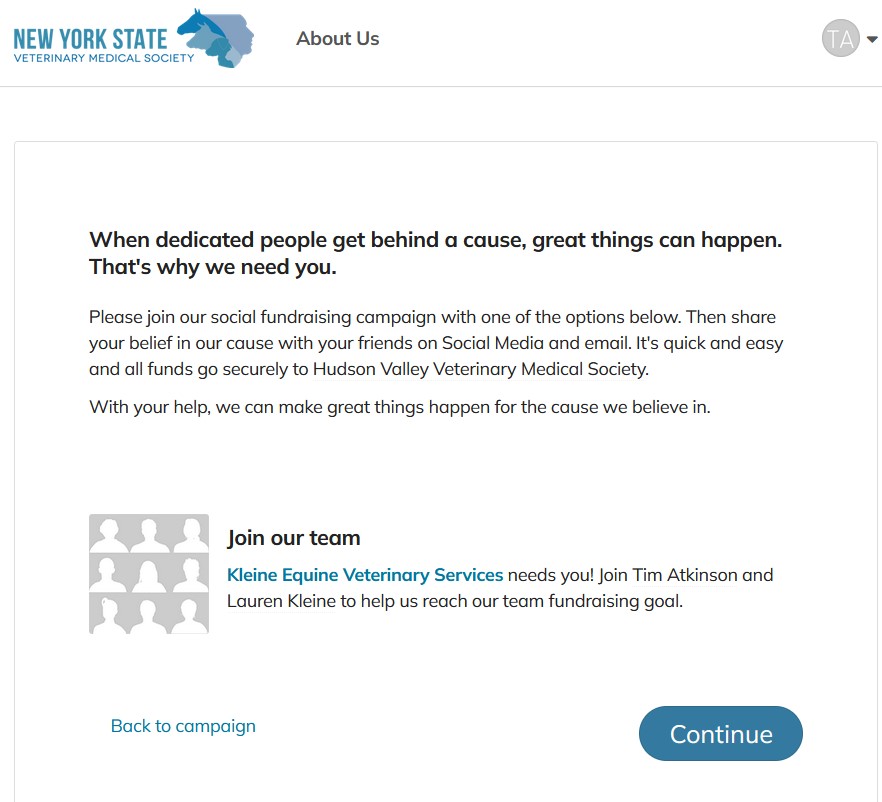
Step 3
Continue on website

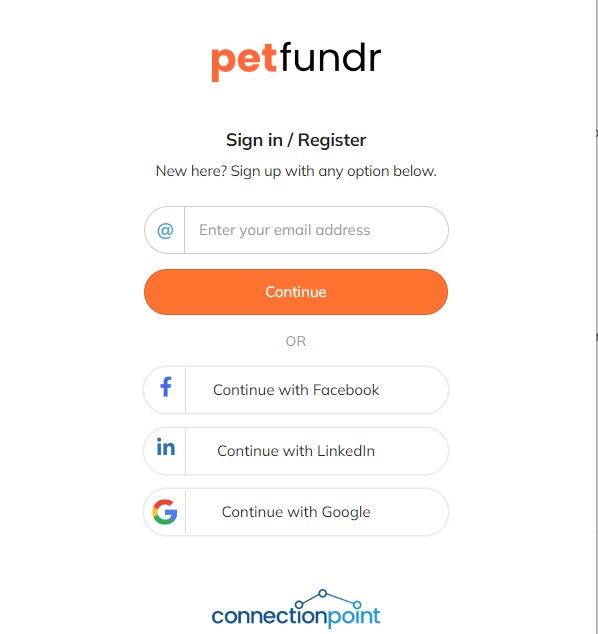
Step 4
Enter your email address
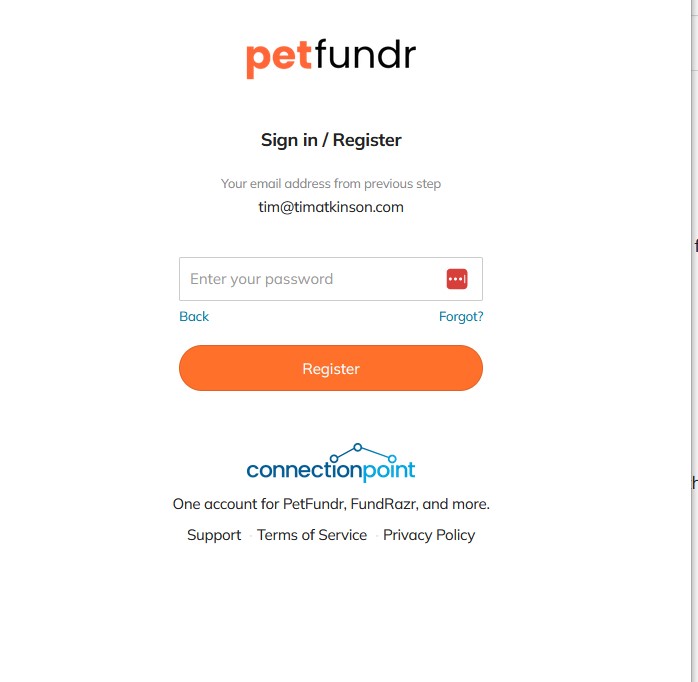
Step 5
Create your new password
NOTE: Just create a new password (unless you have already created an account with PetFundr)
Step 3
Continue to your dashboard